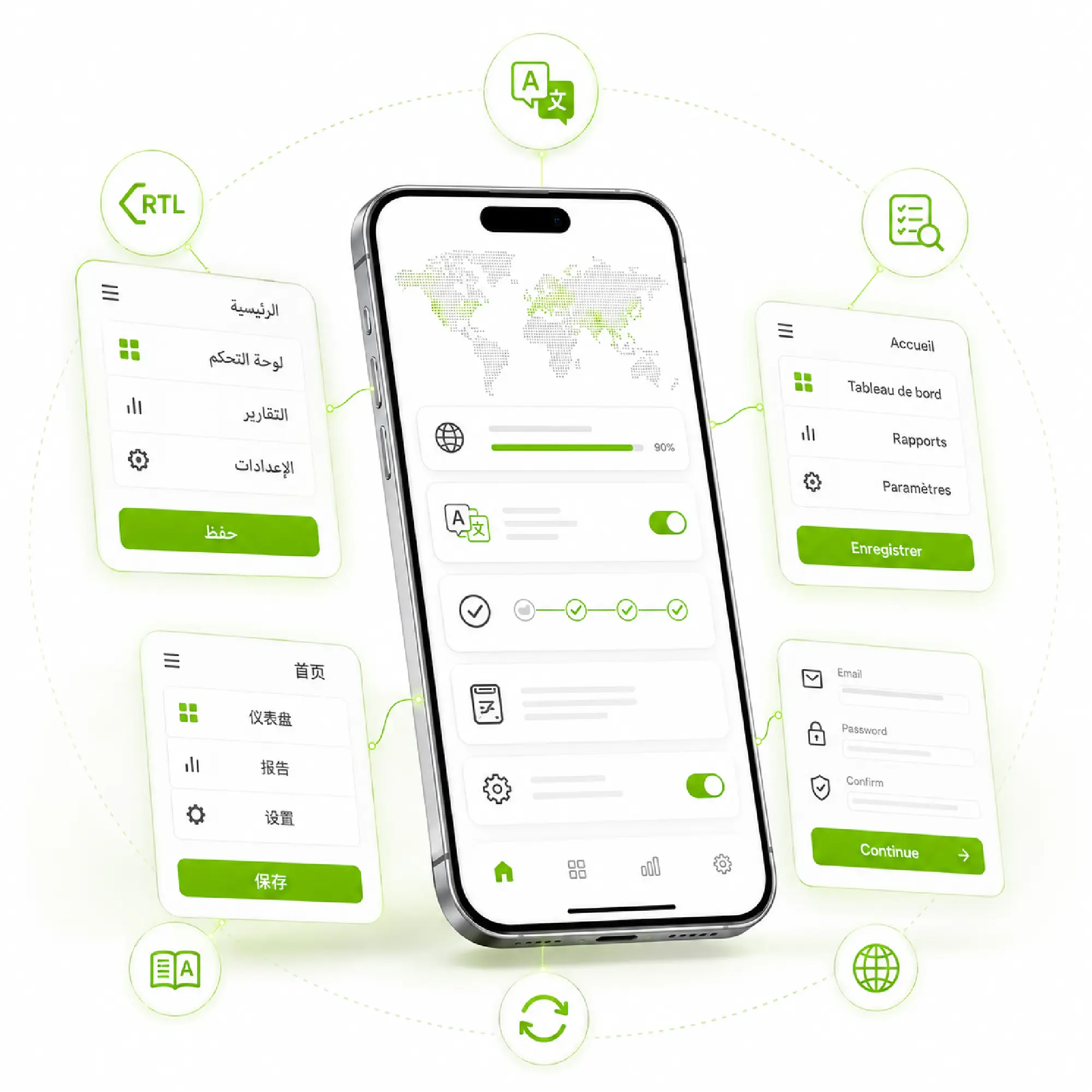
App Localization Services for Global Growth
- Localize UI strings and key journeys (like menus, CTAs, forms)
- Ensure consistency with translation memory across releases
- Get a localization workflow built for updates in target markets (not one-time projects)
Certified Translation Provider Trusted by Global and Local Brands in UAE


What Are App Localization Services (and How Are They Different from Translation)?
- Translation = words; localization = words + UI/UX fit
- Why localized UI text matters: It provides more clarity, more trust, and fewer user errors
- Where localization impacts growth: downloads, retention, and reviews
How Does App Localization Help You Grow in New Target Markets?
Users are more likely to install, keep, and recommend apps that feel local. When your mobile apps and web app experiences speak the native language of your target audience, you reduce friction, improve onboarding, and build trust.
App localization also supports faster market entry and clearer brand positioning for a global audience, so you can scale into new target markets without sacrificing quality or consistency.
- Higher engagement when UI is clear, and actions are easy to follow
- Fewer support tickets caused by misunderstood screens and flows
- Better store reviews and visibility when users understand value quickly
- Faster rollout to multiple languages through a repeatable workflow
bayantech provides customized
app localization solutions!
What Parts of a Mobile App or Web App Do You Localize?
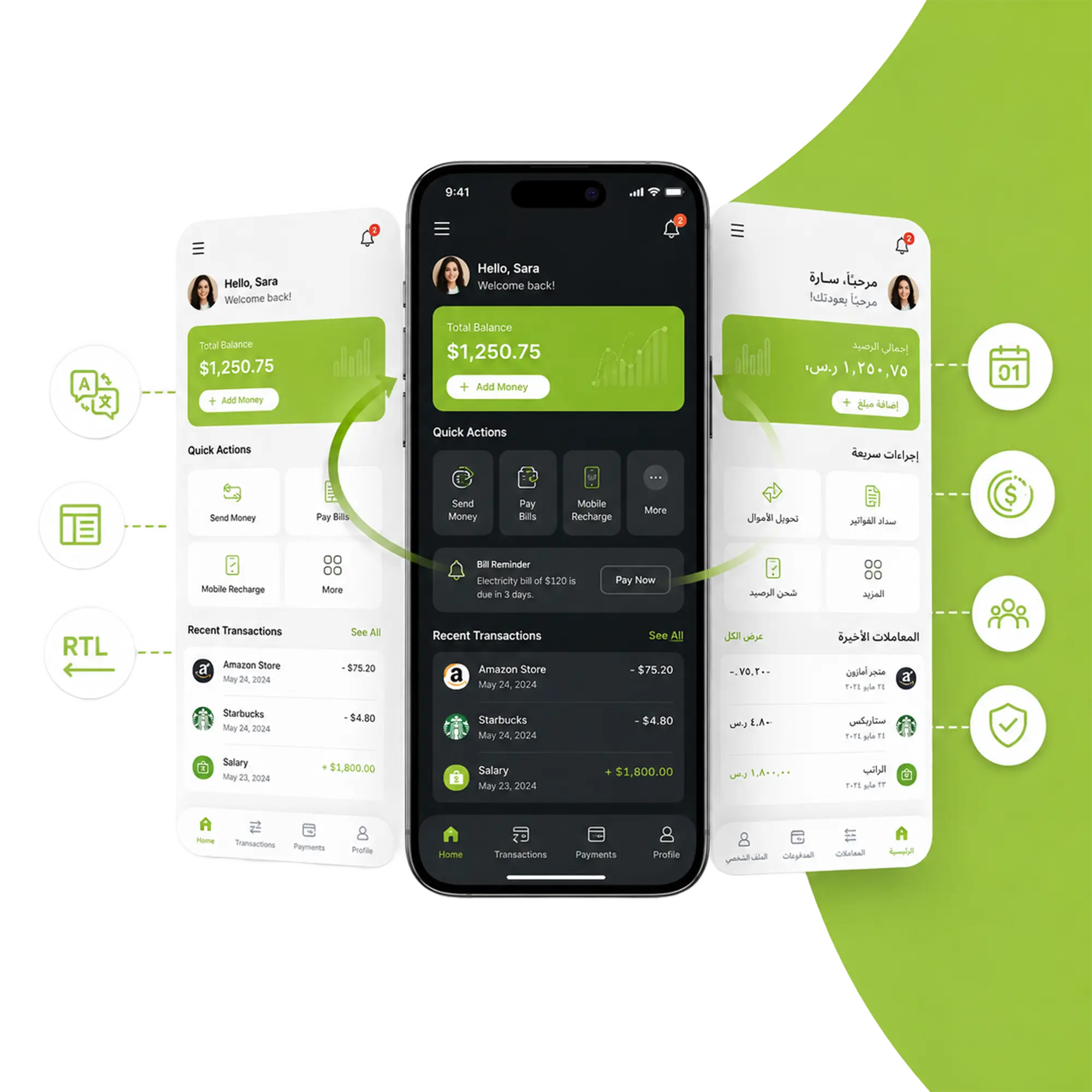
Our mobile app localization services cover what users actually touch: user interface strings, onboarding flows, core screens, notifications, and store-facing content.
We localize the app’s content so it reads naturally in their native language while staying consistent across releases and platforms: iOS, Android, and web app versions. The goal is high-quality localization that protects clarity, usability, and brand tone in every market.

UI strings: buttons, menus, error messages
Onboarding and help flows: tooltips, guidance text
In-app content: messages, emails, FAQs
Push notifications and transactional text
Store content: titles and Their descriptions
Translation vs Localization: What’s the Difference and Why It Matters for Your Business
How Do You Ensure High Quality and Consistency across Multiple Languages?
High quality means more than just a good translation; it also means that the user interface is clear. Professional translations use the same words, tone, and UI patterns so that the experience is the same on all screens and in all languages. To avoid mixed wording, inconsistent labels, or “almost the same” phrasing across flows, each locale follows approved language rules (a glossary and style guide).
Before it is released, the text is checked in context to make sure it fits the UI. This includes checking
- Length
- Truncation
- Line breaks
- Placeholders
- How strings work on different devices
Extra care is given to screens that have a big effect, like the signup, checkout, and settings screens, where even small problems can hurt trust or sales.
Translation memory reuses strings that have already been approved to make sure that updates are always the same. This cuts down on repetitive work and keeps the user interface stable as new content is released.
Before it is released, the text is checked in context to make sure it fits the UI. This includes checking
Bayantech App Localization Services

Pseudo-Localization

Translation Services

Multimedia Localization

App Store Optimization

App Localization Testing

Continuous Localization & Integration
Mobile App Content We Localize
- In-app Text
- In-app Purchases
- Metadata
- Audio & Video Content
- App Store Listing
- Visual Content (Images, Graphics, Screenshots…etc.)
- Marketing Materials
- Keywords
- Privacy Guidelines
Do You Use Localization Software and Tools to Reduce Manual Work?
Yes. A strong workflow uses localization software and a localization tool to manage strings, approvals, and updates, so teams don’t rely on copy/paste or spreadsheets to ship multilingual releases. Content is kept organized in one place, with clear version control and review steps that reduce errors and missed updates.
This setup also supports translation memory, which reuses approved strings and cuts down repeated translations as your product expands. The result is faster turnaround, fewer inconsistencies, and measurable cost savings, especially when you’re scaling into multiple target markets and releasing frequent updates.
- Central place for strings and versions
- Faster updates with fewer repeated translations
- Cleaner handoffs to dev and product teams
Our App Localization Process from Start to Finish
Our app localization process is built for speed and control. The process involves understanding your target audience and target markets, preparing content properly, translating text with clear consistency rules, validating how it works inside the interface, and supporting each release.
This keeps delivery predictable for mobile app localization services, even when updates are frequent.
Here’s our 5-step workflow:
How Can App Localization Reduce Costs Over Time?
Localization creates cost savings by reducing rework and repeat translation. With translation memory, previously approved strings are reused, which speeds up updates and supports consistency in terminology and tone across releases.
This is especially valuable when you’re expanding into multiple target markets and shipping frequent feature updates.
Clear localized user interface text also lowers the hidden cost of confusion. When labels, error messages, and guidance read naturally, users complete tasks faster and create fewer support requests. Over time, that means fewer fixes, fewer last-minute changes, and a smoother release workflow.
- Less repeated work when features update
- Faster release cycles with fewer bottlenecks
- Consistent UI language reduces mistakes and complaints
bayantech Professional Translation Services & More
Frequently Asked Questions
Do you support both mobile apps and web app localization?
How do you ensure consistency across updates?
Do you use localization software/tools with our workflow?
How do you validate that translated text fits on screens?
Can you localize for multiple target markets at once?
How does localization deliver cost savings?
Ready to Make Your App Work in New Markets?
Tell us your app type (mobile or web), which languages you want to support, and which screens matter most.
We suggest the best workflow for high-quality app localization that will connect with your target audience in new markets and save you money. This includes translating text, validating UI, and using translation memory.
Make your app feel native and connect with your audience today!